What is Plume for iPhone?
Plume is a free, open source Nextcloud client for iPhone and iPad. It is built in SwiftUI with no third-party dependencies, signs in to any Nextcloud server with the Login Flow in your browser (two-factor authentication works) or an app password, and keeps that app password in the Keychain.
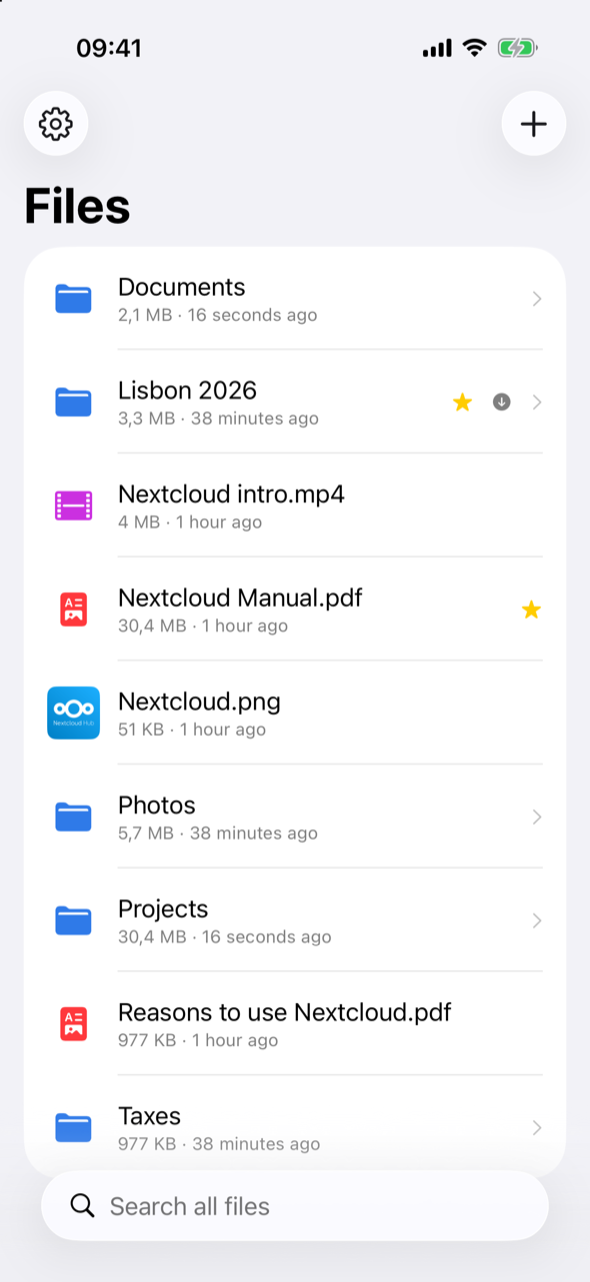
The app is a single screen: your folders and files, plus search. Settings are behind the gear button.
Fast, because it's local first
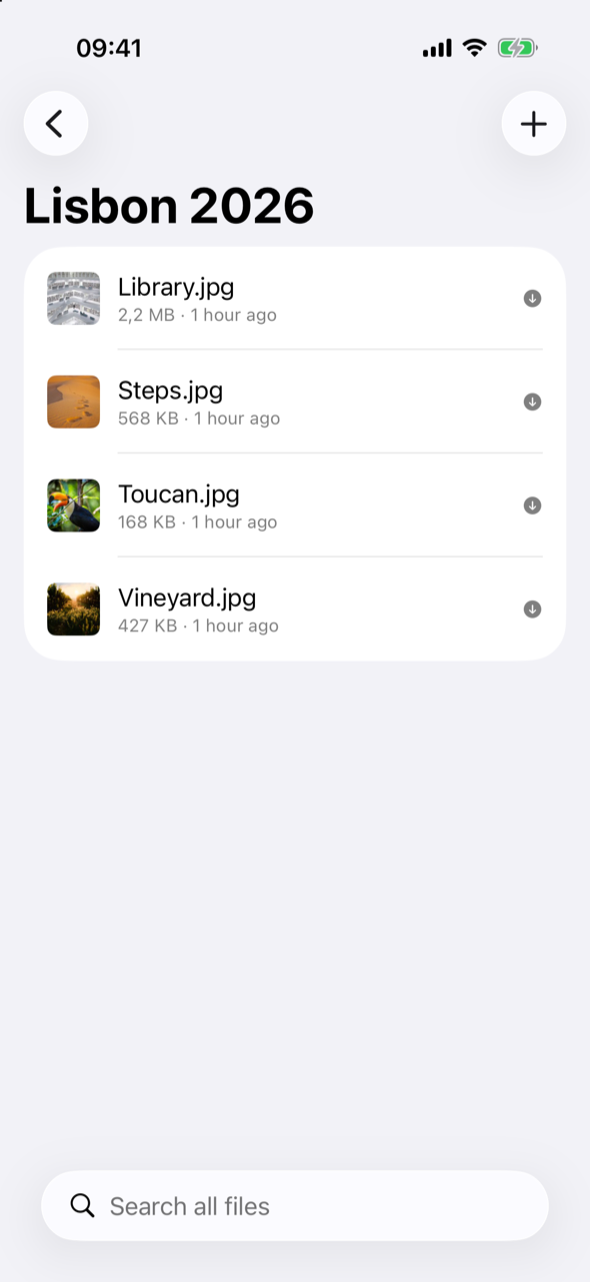
- Instant folders: Plume keeps a mirror of your folder tree on the device, shows it at once, and refreshes it from the server in the background.
- Search as you type across your whole account, ignoring case and accents, from a local index of every file and folder.
- Spotlight: search your Nextcloud files from the Home Screen; a result opens Plume on the file.
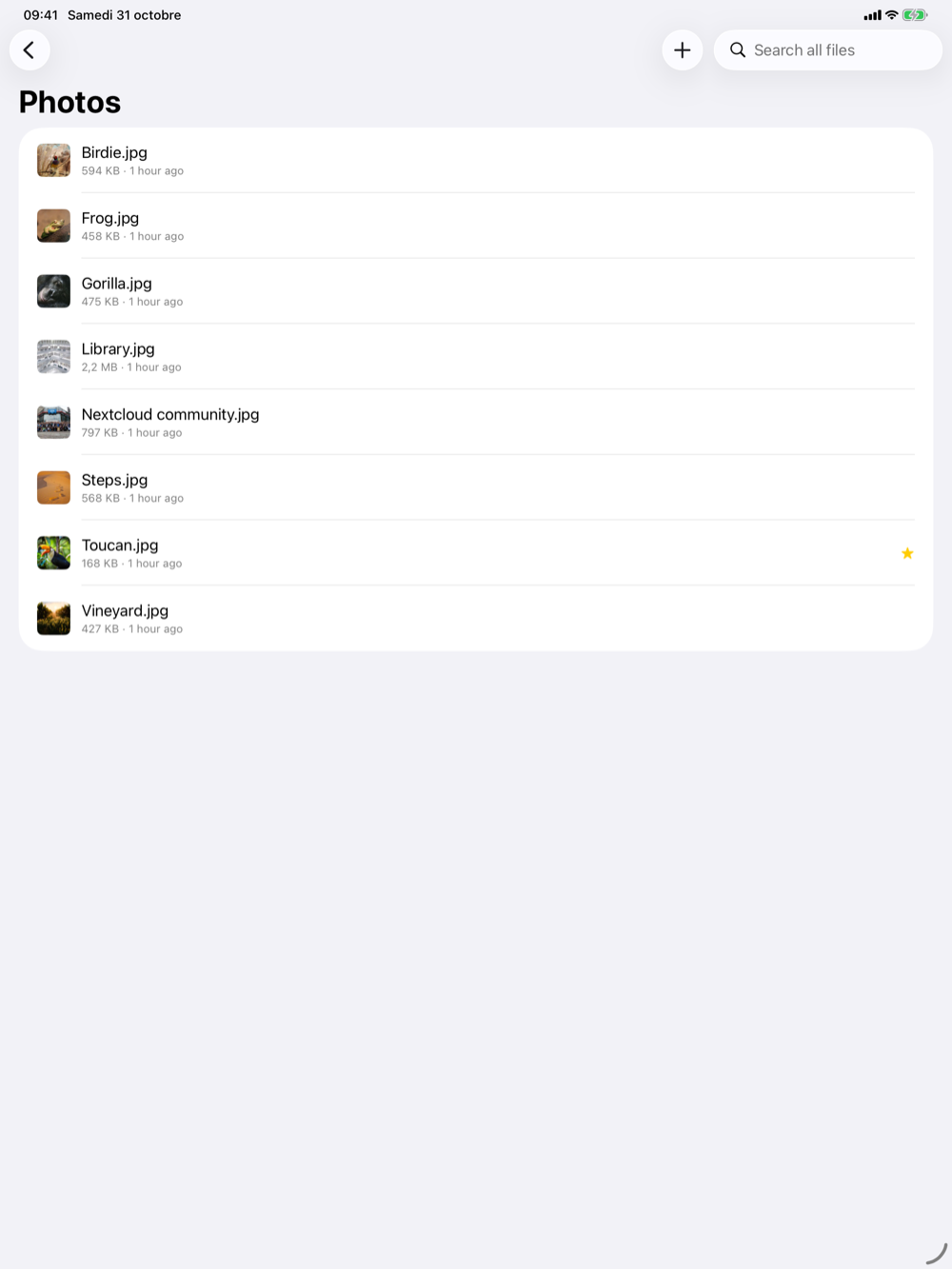
- Server thumbnails for photos and documents, cached on the device.
Part of iOS
- The Files app: your Nextcloud is a location next to iCloud Drive. Files download when you open them, “Keep Downloaded” keeps them on the device, and edits made in other apps are uploaded.
- Save from any app: the share sheet, “Save to Files”, “Open in…” or the + button. Uploads never overwrite a file, and large files are sent in resumable chunks.
- Quick Look for PDFs, images, video, audio and Office documents.
- Available offline: keep a file or a whole folder on your iPhone.
On iPad
The same app on the bigger screen: drop files from another app into any Plume folder to upload them.
Private by design
Plume talks only to your Nextcloud server. No analytics, no account of ours, no third-party servers. Read the privacy policy.
Limits today
One account at a time, and changes made elsewhere reach the Files app while Plume is open (no background refresh yet). Plume isn't on the App Store yet: build it from source with Xcode.